
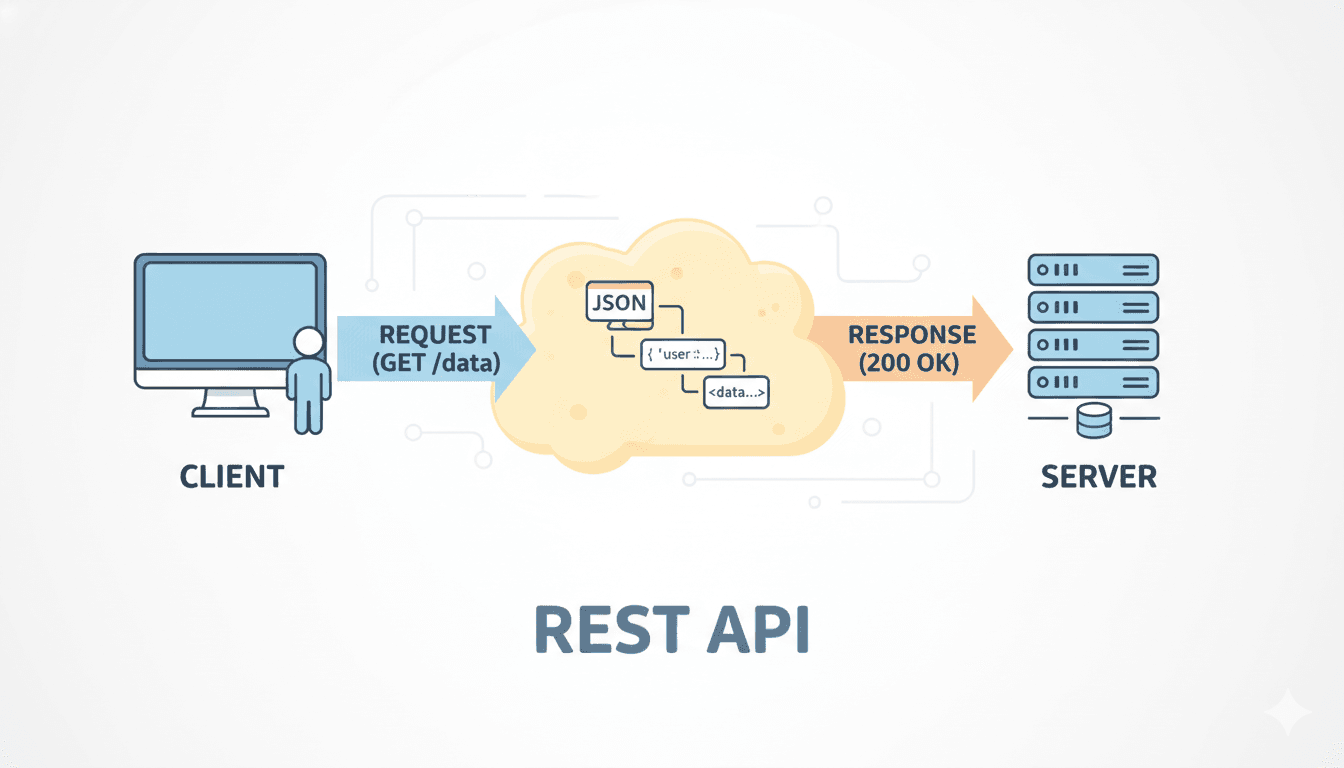
Designing a good REST API is less about memorizing rules and more about creating predictable systems. Good engineers design APIs around resources, use HTTP correctly, and build interfaces that remain stable as systems grow.
How Good Engineers Design REST APIs
When engineers start building APIs for the first time, the endpoints often look like this:
- POST /createBlog
- GET /getBlogs
- POST /deleteBlog
This works at the beginning. The API does what it needs to do, and the frontend can communicate with the backend.
But as the system grows, this style quickly becomes messy. New endpoints appear for every action, naming becomes inconsistent, and the API slowly turns into a collection of unrelated routes.
This happens because the API is designed around actions instead of resources.
Good engineers approach API design differently. Instead of thinking about what action the client wants to perform, they think about what resource the system exposes.
Think in Terms of Resources
Every application revolves around a few core entities.
If you are building a blog platform, those entities might be users, blogs, and comments.
Instead of creating endpoints for every action, the API is designed around these resources.
For example, a beginner API might look like this:
- POST /createBlog
- GET /getBlogById
- POST /deleteBlog
This style treats the API like a collection of functions.
A resource-oriented design is much simpler:
- POST /blogs
- GET /blogs/1
- DELETE /blogs/1
Here the URL represents the resource, while the HTTP method represents the action.
This makes the API predictable. Once someone understands one endpoint, they can guess the rest.
Let HTTP Do Its Job
HTTP already provides verbs that describe what we want to do with resources.
Instead of inventing custom actions in URLs, REST APIs rely on these standard methods.
Creating a resource uses POST, retrieving one uses GET, updating uses PUT or PATCH, and deleting uses DELETE.
For example, creating a blog might look like this:
POST /blogsThe request body contains the blog data, and the server responds with 201 Created once the resource has been stored.
Using these standard methods makes APIs predictable. Developers interacting with your system already know what to expect because the semantics come from HTTP itself.
PUT vs PATCH in REST APIs
Both PUT and PATCH update resources, but they behave slightly differently.
PUT usually replaces the entire resource. If you send a full blog object, the server overwrites the existing one.
PATCH updates only the fields provided in the request.
For example, if you only want to change the title of a blog post, PATCH is usually the better choice.
Understanding this difference helps avoid unexpected behavior when APIs evolve.
Keep URLs Predictable
A well-designed API should feel intuitive even before reading documentation.
Most APIs treat endpoints as collections, which is why resource names are usually plural.
- /users
- /blogs
- /comments
Even when requesting a single item, we are selecting something from that collection.
/blogs/1
This structure scales naturally as the system grows.
If blogs later have comments, the relationship can be represented directly:
GET /blogs/1/commentsThe URL now mirrors the data model of the system, making the API easier to understand.
REST API Naming Conventions
Naming conventions are one of the simplest ways to make an API predictable.
Most REST APIs follow a few common practices:
- Use plural resource names
- Use lowercase URLs
- Avoid verbs in endpoints
For example:
- /blogs
- /blogs/42
- /users/5/comments
The endpoint describes the resource hierarchy, while the HTTP method describes the action.
This separation keeps APIs consistent as they grow.
Consistency Matters More Than Perfection
One of the biggest differences between beginner APIs and well-designed ones is consistency.
Clients interacting with an API should be able to predict how responses will look.
Many teams adopt a consistent response structure so every endpoint behaves the same way.
Example:
{
  "data": {...},
  "message": null,
  "error": null
}
The exact format is less important than the consistency.
When responses follow a predictable structure, frontend developers and other services can integrate much faster.
The same principle applies to naming conventions. Whether you choose camelCase or snake_case, the important part is using the same style everywhere.
Idempotency in REST APIs
A concept that becomes important in real systems is idempotency.
An operation is idempotent if repeating it multiple times produces the same result.
For example:
DELETE /blogs/1If the blog is deleted once, calling the same request again should not change the system further. The blog is already gone.
This property becomes important when network failures occur. Clients often retry requests, and idempotent operations ensure that retries do not create unexpected side effects.
GET, PUT, and DELETE are typically idempotent, while POST usually is not.
Designing APIs for Real Systems
In real applications, endpoints rarely return just one object. They often return collections, and those collections can grow large.
Instead of returning everything at once, APIs usually support pagination.
A typical request might look like this:
GET /blogs?page=1&limit=10This allows the client to request manageable chunks of data, improving performance and reducing load on the server.
APIs also commonly support filtering and sorting.
For example:
GET /blogs?authorId=42&status=published&sort=-createdAt
This request asks the server to return blogs written by author 42, filter only published posts, and sort them by newest first.
Designing flexible query parameters like this allows APIs to evolve without creating dozens of new endpoints.
APIs Change Over Time
No API stays the same forever. New features appear, data models evolve, and sometimes breaking changes are unavoidable.
To avoid disrupting existing clients, APIs are often versioned.
A common approach is including the version in the URL:
/api/v1/blogs
If a future change requires a different structure, a new version can be introduced without affecting older clients.
Versioning allows systems to evolve while maintaining stability for applications already relying on the API.
REST API Design Checklist
When designing APIs, a few principles consistently lead to better systems:
- Design around resources
- Use HTTP methods correctly
- Keep URLs predictable
- Maintain consistent response formats
- Support pagination and filtering
- Version APIs when breaking changes occur
Following these principles keeps APIs understandable as systems grow.
Final Thoughts
Designing a good REST API is not about memorizing a long list of rules.
It is about building interfaces that are predictable, consistent, and easy for other engineers to understand.
When APIs are designed around resources, use HTTP correctly, and maintain clear URL structures, they become much easier to scale and maintain over time.
Ready to level up?
Join hundreds of engineers mastering high-stakes system design through real-world simulations.
Become a Senior Backend Engineer